


misemedia factory
A brief goes in. A scene comes out.
Mise turns a written brief into explainer media: interactive 3D scenes, isometric drawings and narrated 4K films. Agents do the production work. People review and pass every stage.
Live in this page
The recipe on screen.
Pick a scene recipe. The view below is drawn from it in your browser, and the camera follows its cues.
Rendering live in your browser with three.js r187
What it makes
One recipe, every format
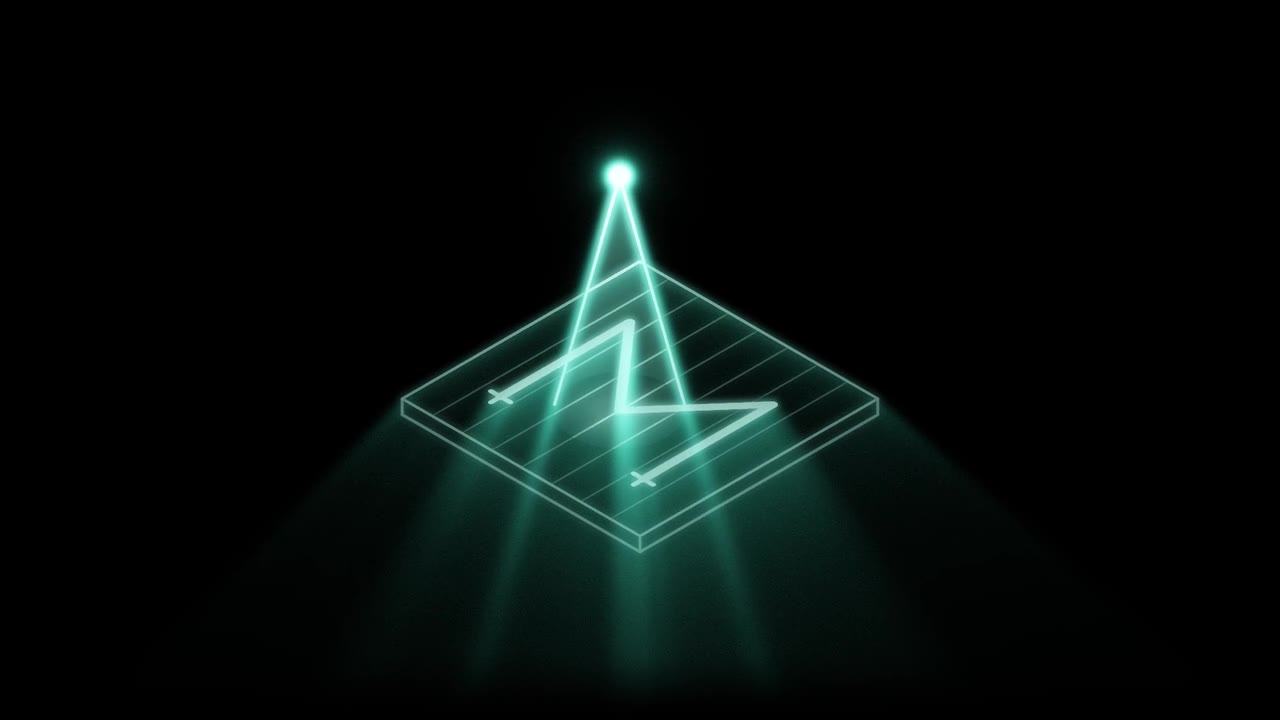
A scene recipe is plain JSON: layers, parts, links and camera cues, with its source and the limits of its evidence. Every output is drawn from that one file, so the 3D view, the drawing and the film never disagree.
The film. Every frame is a function of time, so a capture at any size shows the same picture. These six frames were rendered from the scene above when this page opened.
How it works
Four stations, four gates
Work moves down one line. Each station ends at a gate, and nothing moves on until the gate is passed.


-
Brief
You
Say what the viewer should understand, then pick a scene recipe, a style and a theme. Mise saves it as revision 1.
Gate: the brief is long enough to build from, and it names only assets that are in the library.
-
Compose
An agent
The agent shapes the scene from the recipe and the library, then queues a build. Builds run one at a time, with no shell, no paid generation and no deployment.
Gate: one build per revision. A build for an older revision is refused.
-
Verify
An agent, then you
The preview opens in the viewer for review. Whoever marks it ready has to say what they looked at.
Gate: a written inspection note, and every file is checked against its hash before it counts.
-
Deliver
Mise
The preview, its file hashes and the note stay together as one revision. A change to the brief opens the next revision and sends it back to the start.
Gate: nothing is published from here. Sharing stays your decision.
Receipts
Every delivery carries its receipt
You can tell what was made, from which brief and revision, and what the reviewer checked. Changed files are caught before anything is marked ready.
Production slip
A sample of the layout. Mise writes a real one for each revision.
- Project
- p-0000000000000001
- Revision
- 2
- Recipe
- hub, layered 3D, graphite
- Worker
- agent, build queue
- preview.html
- sha256 0f3c…a91e
- scene.json
- sha256 7b22…04d5
- Inspection
- All four cues viewed at 1440 px. Labels clear of parts. Source line present.
- Status
- Ready, hashes match
- 3840 by 2160 film mastersFrames are captured lossless at twice the size, then scaled down once with Lanczos.
- H.264 High, level 5.1, BT.709Chosen to play at 4K on Apple devices, where level 6 can freeze the decoder.
- Seven checks on every filmLoudness, soft open, holds, jitter, transcript, lint, and the on-screen text read back from the frames.
- Narration in scored takesEach line is voiced several times, scored against the script, and the best take is kept with its word timings.
- Sound from the library firstScores and effects already in the library are reused before anything new is generated.
For agents
Made for agents to drive
Mise speaks MCP, so Claude Code or any MCP client can run the whole line with eight tools. People log in to the same factory to review the work.
factory_libraryThe library and the scene recipes. Agents start here.factory_createA project from a brief, a recipe, a style and assets.factory_projectsEvery saved project and its state.factory_projectRevision, builds, progress and file hashes.factory_nextThe next step for the worker, with the skill to use.factory_updateA revised brief. It opens a new revision.factory_buildOne preview build in the queue.factory_finishMarks the preview ready, with an inspection note.
The library
What is on the shelf
The catalogue Mise reads today, counted from its inventory file. Agents build from these before they make anything new.
Start
Bring a brief.
Log in with your Omniverse hub account: the same username and password. Access is by invitation.